Review Analysis Results
Analysis extracts information — text, layout, tables, and more — from documents you upload. This page explains how to find files that have finished analysis and what each item in the list means.
Analyze screen
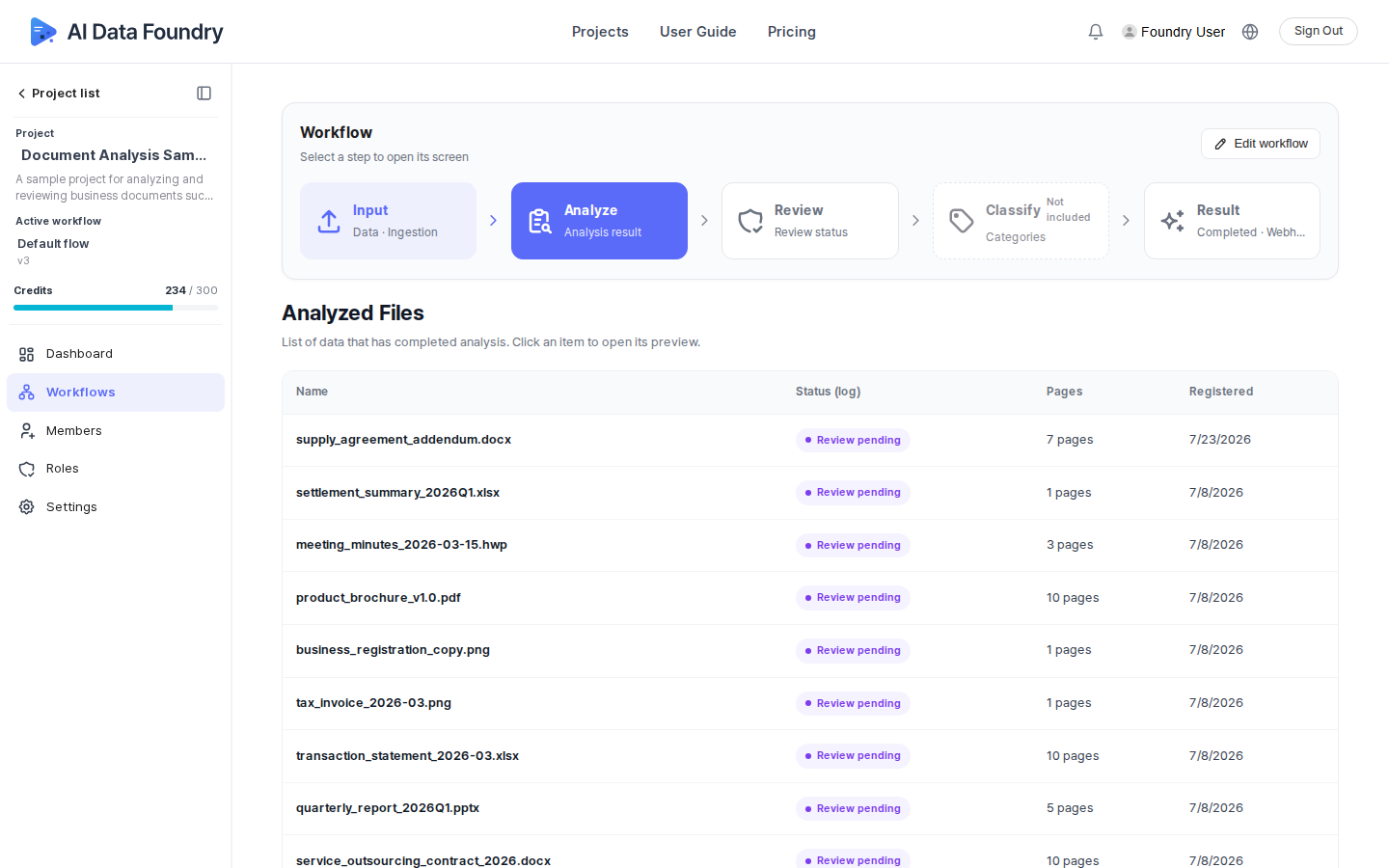
Select Workflows in the left sidebar, then click Analyze in the stage bar at the top.
Analysis list
Files that have finished analysis appear as a list. Click an item heading to sort by that item.
| Item | Description |
|---|---|
| Name | The name of the analyzed file. Click it to open a preview. |
| Status (log) | Shows the current processing status. The status changes as the workflow progresses. |
| Pages | Total number of pages in the analyzed document. |
| Registered | The date the file was registered to the project. |
Running analysis
Analysis runs automatically when you run a workflow. See Upload Files and Run for how to upload files and run a workflow.
Next Step
- Classify Documents →: How to classify analyzed files into categories.